
How to Save Your Game Boy from Battery Corrosion Issues
Discover effective methods to clean battery corrosion from your Game Boy and restore its functionality. Discover why it matters and what happens next.
- BackZee
- 4 min read
TL;DR 🚀
Make sure to check our deep dive on why this matters.
- Battery corrosion can damage your Game Boy.
- Use vinegar and alcohol for cleaning.
- Seek professional help for severe cases.
- Regular maintenance can prevent corrosion.
- Store batteries separately when not in use.
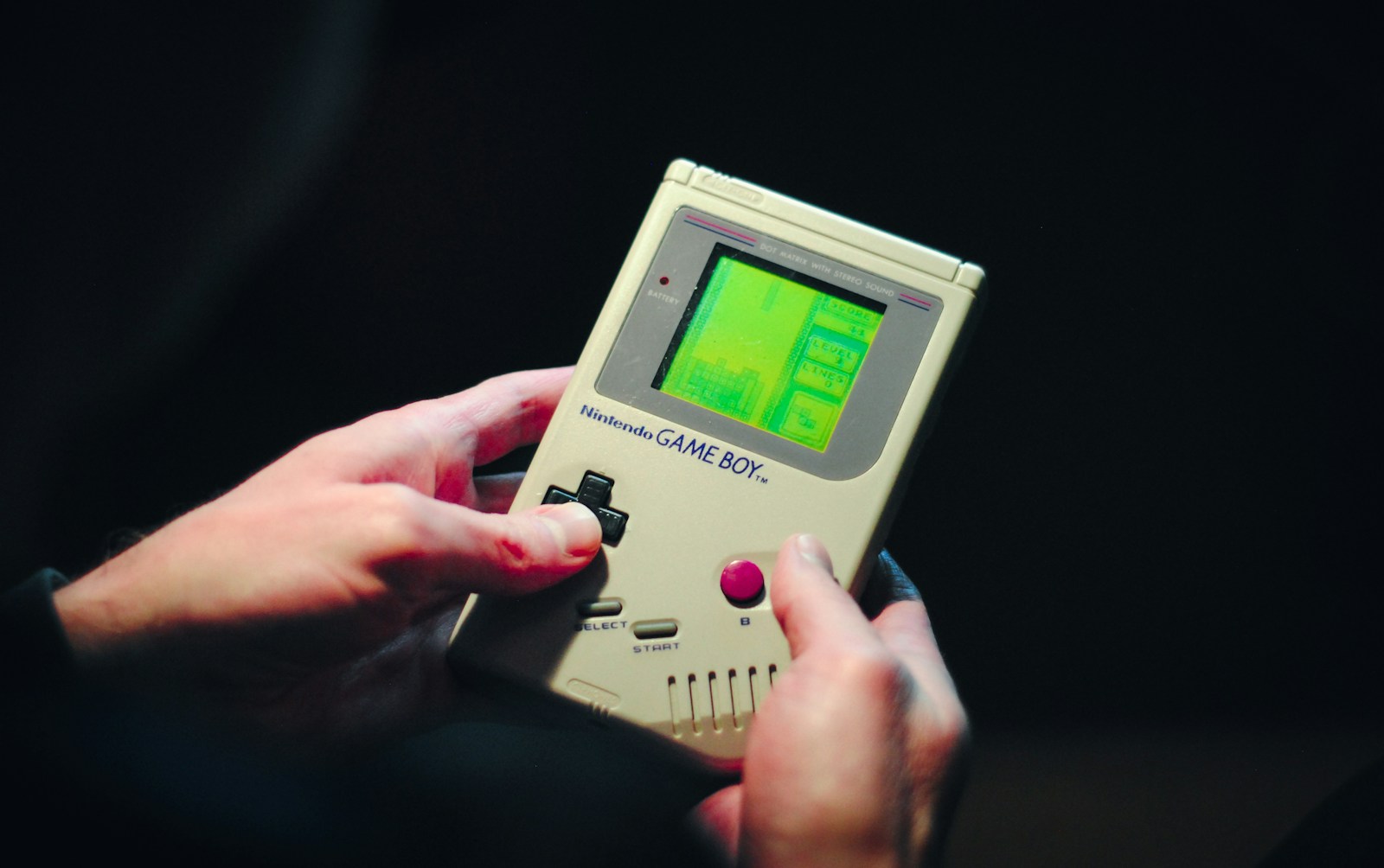
If you’re a retro gaming enthusiast, finding white crusty residue in your Game Boy’s battery compartment can be alarming. This corrosion can hinder your console’s performance, but don’t panic! With the right approach, you can potentially restore your beloved device. The Game Boy, released in 1989, has a rich history and a dedicated fan base, making it essential to preserve these cherished consoles.
Understanding Battery Corrosion ⚡
When you open the back of your Game Boy and spot that white, green, or blue crust, it’s a sign of battery leakage. This residue is not just unsightly; it can lead to serious damage if not addressed promptly. The corrosion typically occurs when batteries are left in the device for an extended period, especially if they leak.
According to a study by the Battery Association, nearly 30% of batteries can leak if left unused for over a year. This is particularly true for older alkaline batteries, which were commonly used in devices like the Game Boy. The chemicals inside the batteries, such as potassium hydroxide, can corrode the internal components of your console, leading to malfunction or complete failure.
Here’s what you should do:
- Stop using the device immediately. Continuing to power it on can worsen the damage.
- Assess the situation. If the corrosion is minimal, you might be able to clean it yourself.
Cleaning Your Game Boy 🧼
To tackle the corrosion, you’ll need some basic supplies: vinegar and isopropyl alcohol. These common household items can effectively neutralize the corrosion without causing further harm to your console.
Why Vinegar and Alcohol?
Vinegar is an acid that can help neutralize the alkaline corrosion caused by battery leakage, while isopropyl alcohol is excellent for cleaning and evaporates quickly, reducing the risk of moisture damage.
Steps to clean:
- Dampen a cloth with vinegar and gently wipe the affected areas. Avoid soaking the cloth; you don’t want excess liquid inside the console.
- Follow up with isopropyl alcohol to remove any remaining residue. This will help dry out the area and prevent future corrosion.
- Let it dry completely before reinserting batteries or powering it on.
Additional Tips for Cleaning
- Use a soft-bristle toothbrush for stubborn corrosion. This can help dislodge debris without scratching the console’s surface.
- Consider using cotton swabs dipped in vinegar or alcohol for hard-to-reach areas.
- Wear gloves to protect your hands from any harmful chemicals.
If the corrosion is extensive and you’re unsure about cleaning it yourself, it’s best to consult a professional. They can assess the damage and provide a more thorough cleaning or repair service. Many retro gaming shops offer repair services specifically for vintage consoles, ensuring your Game Boy is in expert hands.
Preventive Measures
Regular maintenance can save you from future headaches. Here are some preventive measures:
- Remove batteries when the Game Boy is not in use for an extended period.
- Store your Game Boy in a cool, dry place to minimize the risk of corrosion.
- Check batteries regularly for any signs of leakage or corrosion.
Quick Takeaways 📌
- Battery corrosion can be cleaned with vinegar and alcohol.
- Always let the console dry before using it again.
- Seek expert help for severe corrosion.
- Regular maintenance can prevent corrosion.
- Store batteries separately when not in use.
FAQ ❔
What causes battery corrosion in Game Boys?
Battery corrosion is typically caused by batteries leaking over time, especially when they are left in the device for long periods without use. The chemical reactions within the battery can lead to leakage, which manifests as corrosion.
Can I prevent battery corrosion?
Yes! Regularly check your Game Boy and remove batteries if you’re not using it for a while. Store it in a cool, dry place to minimize the risk of corrosion. Additionally, consider using high-quality batteries that are less prone to leakage.
Is it safe to use my Game Boy after cleaning?
If you’ve successfully cleaned the corrosion and ensured that the area is dry, it should be safe to use. However, if you notice any persistent issues, consider getting it checked by a professional.
How often should I check for corrosion?
It’s a good practice to check your Game Boy every few months, especially if it has been stored for a while. Regular checks can help catch any potential issues before they become severe.
What should I do if the corrosion is extensive?
If the corrosion is extensive, it’s best to consult a professional repair service. They can provide a more thorough cleaning and assess any damage that may have occurred to the internal components.
By following these tips, you can keep your Game Boy in top shape and continue enjoying those nostalgic gaming sessions. For more insights on retro gaming and console maintenance, check out our other posts on /posts/…!