
Expand Your PS5 Storage: Top 4 SSDs for Endless Gaming Space
Discover four powerful SSDs to boost your PlayStation 5 storage and enhance your gaming experience. Discover why it matters and what happens next.
- BackZee
- 5 min read
TL;DR 🚀
Make sure to check our deep dive on why this matters.
- Four SSDs to significantly boost your PS5 storage capacity.
- Options range from 1TB to 5TB, perfect for gamers.
- High-speed performance ensures seamless gaming experiences.
- Easy installation process allows for quick upgrades.
- Upgrading storage can enhance game performance and load times.
If you’re a PlayStation 5 owner, you know how quickly storage can fill up with all the latest games. With the PS5’s impressive library, including blockbuster titles like Demon’s Souls, Ratchet & Clank: Rift Apart, and Horizon Forbidden West, gamers can find themselves running out of space sooner than expected. Fortunately, there are top-notch SSDs available that can expand your console’s storage, allowing you to install more games without worrying about running out of space. Here’s a look at four of the best SSD options that promise to enhance your gaming experience.
Level Up Your Storage Game 💾
When it comes to expanding your PS5 storage, speed and capacity are crucial. The right SSD can not only increase your available space but also improve load times and overall performance. Here are our top four picks:
-
Samsung 980 Pro: This SSD offers blazing fast read and write speeds, making it an excellent choice for gamers who want to minimize load times. With capacities up to 2TB, it strikes a balance between performance and price. The 980 Pro utilizes PCIe 4.0 technology, allowing for sequential read speeds of up to 7000 MB/s, which is ideal for the PS5’s architecture.
-
Western Digital Black SN850: Known for its high performance, this SSD can reach speeds of up to 7000 MB/s. It’s available in sizes ranging from 1TB to 2TB, making it perfect for serious gamers who need ample space for their game library. The SN850 also features a heatsink option, which helps maintain optimal temperatures during intense gaming sessions, ensuring longevity and sustained performance.
-
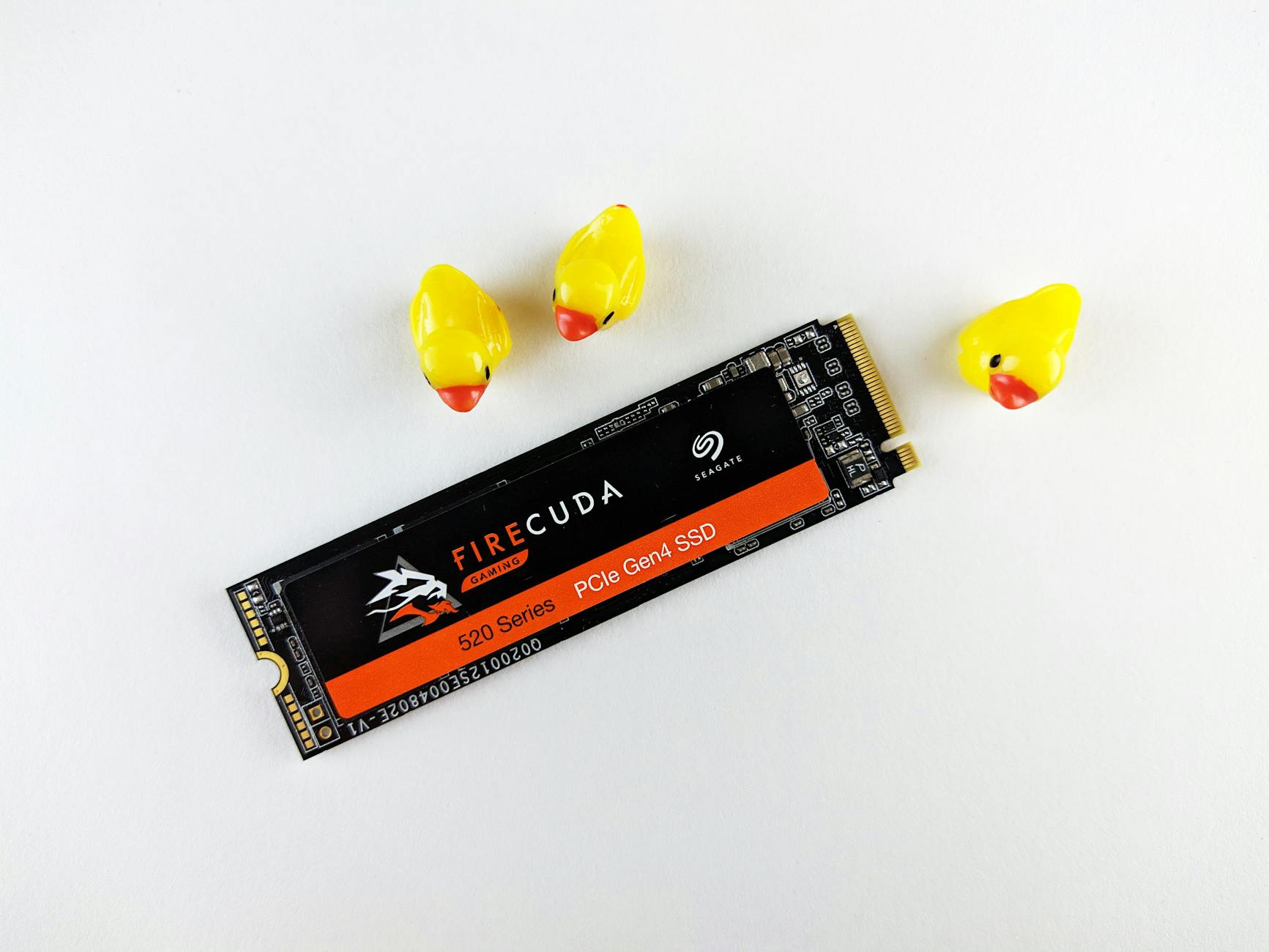
Seagate FireCuda 530: This SSD is designed for high-end gaming, offering speeds that can keep up with the PS5’s capabilities. With options up to 4TB, it’s ideal for players who want to store multiple AAA titles without compromise. The FireCuda 530 is also equipped with a heatsink, and its durability is backed by a five-year warranty, making it a reliable choice for gamers who demand the best.
-
Crucial P5 Plus: A more budget-friendly option, the Crucial P5 Plus still delivers impressive performance with read speeds up to 6600 MB/s. It’s available in sizes up to 2TB, making it a great choice for gamers looking to expand without breaking the bank. The P5 Plus is particularly appealing for those who want a balance of performance and cost, allowing for an upgrade that doesn’t sacrifice quality.
Choosing the right SSD depends on your gaming habits and budget. If you’re a casual gamer, a 1TB option might be sufficient, but for those who dive into multiple games at once, consider going for larger capacities. The increasing size of modern games—often exceeding 100GB—makes larger SSDs a wise investment.
Why Upgrade Your PS5 Storage? 🎮
With the PS5’s impressive library of games, it’s easy to fill up your console’s internal storage. The PS5 comes with an 825GB SSD, but only about 667GB is usable for games after accounting for system software. Upgrading to an SSD not only provides more space but also enhances your gaming experience. Faster load times mean less waiting and more playing, which is essential for today’s fast-paced gaming environment.
Moreover, installing an SSD is straightforward. The PS5 allows for easy installation of compatible SSDs, so you can quickly upgrade your storage without any hassle. For a detailed guide on how to install an SSD in your PS5, check out our post on /posts/ps5-ssd-installation-guide.
Quick Takeaways 📌
- Upgrading your PS5 storage is essential for avid gamers.
- SSDs provide faster load times and improved performance.
- Options range from budget-friendly to high-end, catering to all needs.
- Larger SSDs can accommodate the growing size of modern games.
- Easy installation process makes upgrading accessible for everyone.
FAQ ❔
How do I install an SSD in my PS5?
Installing an SSD in your PS5 is a simple process. First, ensure your console is powered off and unplugged. Then, remove the side panel, insert the SSD into the designated slot, and reattach the panel. Finally, power on your console, and the PS5 will format the new storage. For a step-by-step visual guide, refer to the official Sony website.
What is the maximum storage capacity I can add to my PS5?
The PS5 supports SSDs up to 4TB. However, it’s essential to choose a compatible SSD that meets Sony’s specifications to ensure optimal performance. As of now, several manufacturers have released SSDs that meet these requirements, making it easier to find the right fit for your gaming needs.
Will upgrading my SSD void the warranty on my PS5?
No, upgrading your SSD will not void your PS5 warranty as long as you follow the proper installation guidelines provided by Sony. Always refer to the official documentation for details on compatible hardware. It’s worth noting that maintaining the integrity of your console during installation is crucial for warranty protection.
How do I manage my game library after upgrading?
Once your new SSD is installed, you can easily manage your game library through the PS5 interface. You can transfer games between the internal storage and the SSD, ensuring you have quick access to your most-played titles. Additionally, the PS5 allows you to store PS4 games on the SSD, which can be played with improved load times.
By choosing the right SSD, you can unlock the full potential of your PS5 and enjoy a seamless gaming experience. Don’t let storage limitations hold you back—upgrade today!